Guild Feature Required error is firing for every 3rd thing I do on any article
Guild Feature Required error is firing for every 3rd thing I do on any article
Every 3rd thing I try to edit on a (location) or (landmark) or (person) article, whether new or long-existing, pops up the "Guild Feature Required" error. I own this world. I am a Venerable Grandmaster. I expect to be allowed by the system to, for example, fill in the "Credits" box. When I click the link in the fine print to "click here to fix this", the article reloads with my most recent changes reverted to at least 90 seconds ago.
Steps to Reproduce
Already double-checked: I have not got an adblocker running on any World Anvil website. My VPN is not causing connection issues anywhere else I go on the internet, such as Bluesky or Gmail. I deliberately checked on sites that also use Cloudflare and did not see any detrimental effects.
Side note: The below list was made with "ol" tags to make an Ordered List. I am running out of ability to do things today, but I will try to file a separate bug about that in about 20 minutes after this posts.
- Log into World Anvil. Have a rank of "Grandmaster" or above, account in good standing.
- Navigate to a World where one is Owner.
- Search to make sure that no previous article exists called "Tobias System" with any template.
- Create a (location) article for Tobias System. Move it to appropriate folder. Begin filling out information.
- In the article right sidebar area, find "Type" and click to access the dropdown menu. Find "Star System" and left-click that with mouse.
- Error message pops up.
- In separate browser window, double-check that account is paid up.
- Return to working window. Click where the error message says "click here to fix this."
- Entire browser window refreshes. Scroll down to "Type" again. Access dropdown menu again. Find "Star System" and left-click that.
- Move on to add information to any other area. Probably no error message. Or maybe, if content is more than 2 paragraphs, error message pops up again.
- Make a note of what has not yet been accomplished in offsite notes. Close working window.
- Bring up Public Presentation Mode view of an article that was first created before 2020. Click to edit it.
- Wait for all the pulls from other websites to finish -- between 15 to 150 seconds, typically.
- Attempt to write in the "Credits" box.
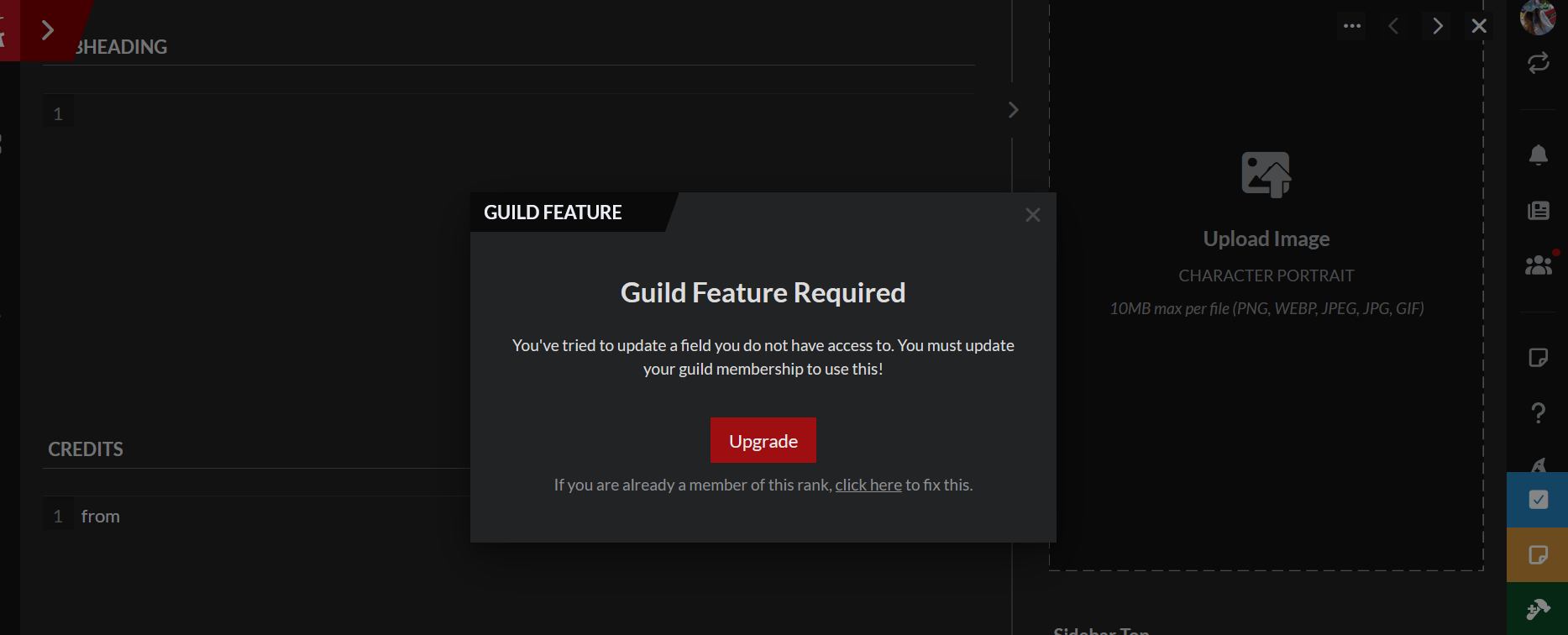
- Boggle.
Operating System
WindowsBrowser
FirefoxRelated Entity
History
Hey good news! The bonus bug about the Ordered List tags vanished. Never mind that little bit, please, and carry on! (And my profuse thanks to whoever fixed that.)
Can you re-check if this is still occurring? We have released several small fixes to the system that checks for permissions, so it may possibly be resolved as a byproduct.
Checking now; I expect to be back here to report in 15 minutes from sending this comment. Thanks, Xuroth.
I'm able to do edits without the pop up interruption in a (document). I'm also able to do all the things in a (location) or (landmark) article. I can do all the individual things that originally caused the Guild Feature Required pop-up. Thank you for checking, and my thanks also to all of you who did the several small fixes! I will now go back to creating Star System articles.
Glad to hear it's working for you!
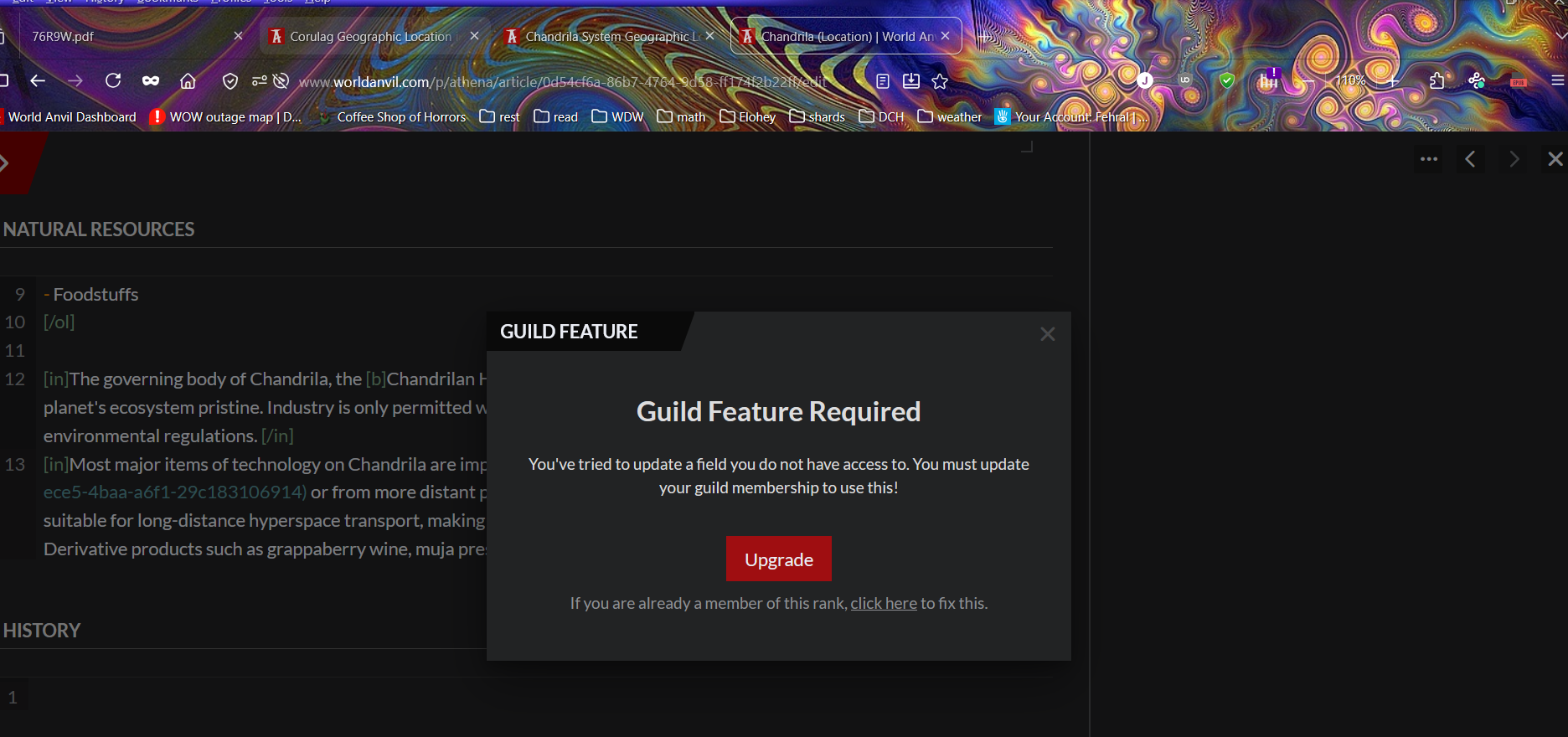
Hey Xuroth? This literally just happened to me again, less than 2 minutes before this posting. I looked away into an incognito window to check my spelling on something, came back to start typing that word, and blammo.
Following up with screengrab and narrow specifics:
We have deployed several additional fixes - can you please re-check and see if this has been resolved?
I'll be happy to! But it's going to be 36 to 48 hours from this posting before I can do so. Sorry for the delay!
hey there, can you please let us know if this is fixed? It has passed its expiration time
Sorry about that! My father-in-law's post-operation care needs wound up eating all of last week. I am now off-duty and can devote some time to testing for you. Let's see what I can discover over the next hour or two!
Test report one:
Test report two:
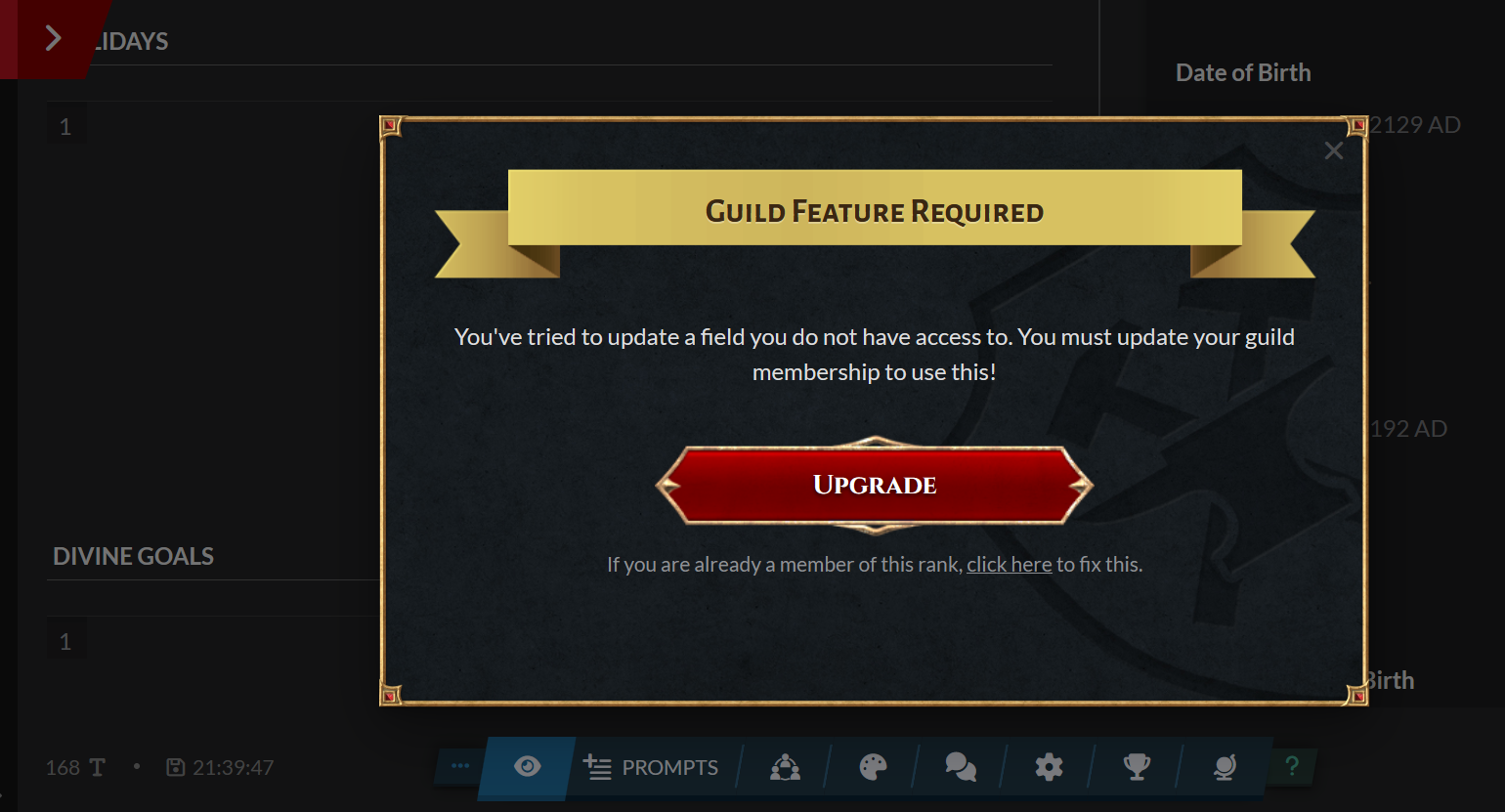
I don't have an article finished to the point that I could link it here, but I did try making a new article and going through a bunch of the above. I continue to have no appearances of the Guild Feature Required thing. Bug test part 2: Passed! I think you've solved it, Xuroth, at least for now. Thank you! And hopefully in the future, real life needs away from keyboard will not upset the bug tracking process with such a delay on the user's end.I am so weary. I imagine that you, too, are spectacularly weary. I'm trying to fill in a Year of Death.
Find your way!
Resources
WHO WE ARE
LEGAL
Listen to our Podcast



