Adding a word to a language's dictionary causes the browser tab to freeze
Adding a word to a language's dictionary causes the browser tab to freeze
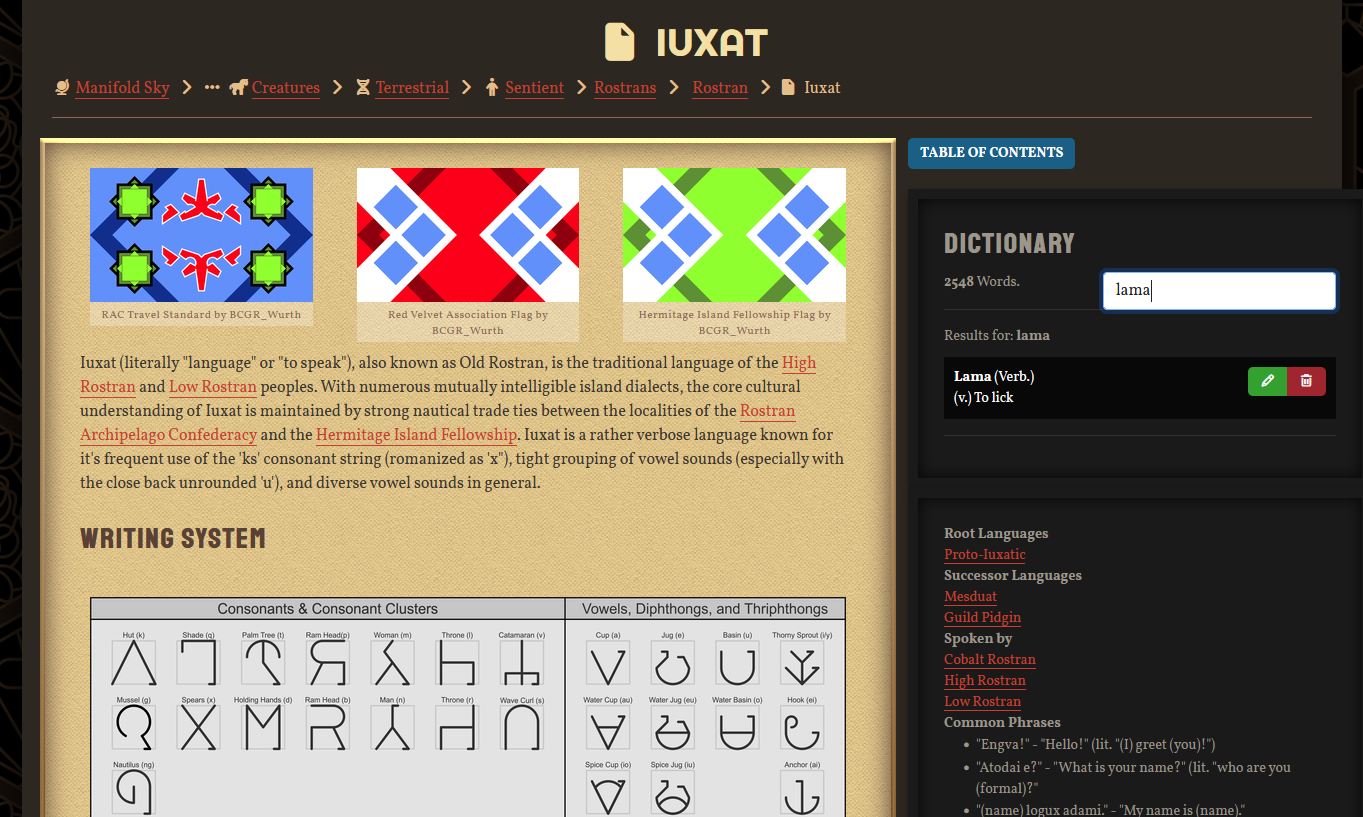
Recently, I have been having an issue where adding a word to one of my languages' dictionary causes the web page to stop responding and my browser to slow significantly until the tab is closed. The word is added - I can confirm this by searching for it on the language's user-facing page - but I have to close the browser tab and re-enter the old version editor for the article if I want to add more. Just after adding the word, right after the browser tab starts hanging, the list of words in the left column of the dictionary tabs disappears from view.
Steps to Reproduce
It happens when I try to edit this article. The number of entries may be a factor, but I've only had performance issues on low-end machines before. 1. Go to the dictionary tab in the old version editor on a language article 2. Fill out the information boxes for a new word 3. Click "Add to Dictionary" 3a. The browser tab will hang 3b. If the tab is returned to from somewhere else (e.g. checking that the word was entered on the reader-facing page) then the dictionary list in the editor will not be visible when it is returned to
Operating System
WindowsBrowser
FirefoxRelated Entity
The issue is confined to the old version editor; as far as I can tell, there is not a way to edit the dictionary from the new editor. The visual effect seems to be secondary the the issue, as it only manifests if I leave the tab and come back to it.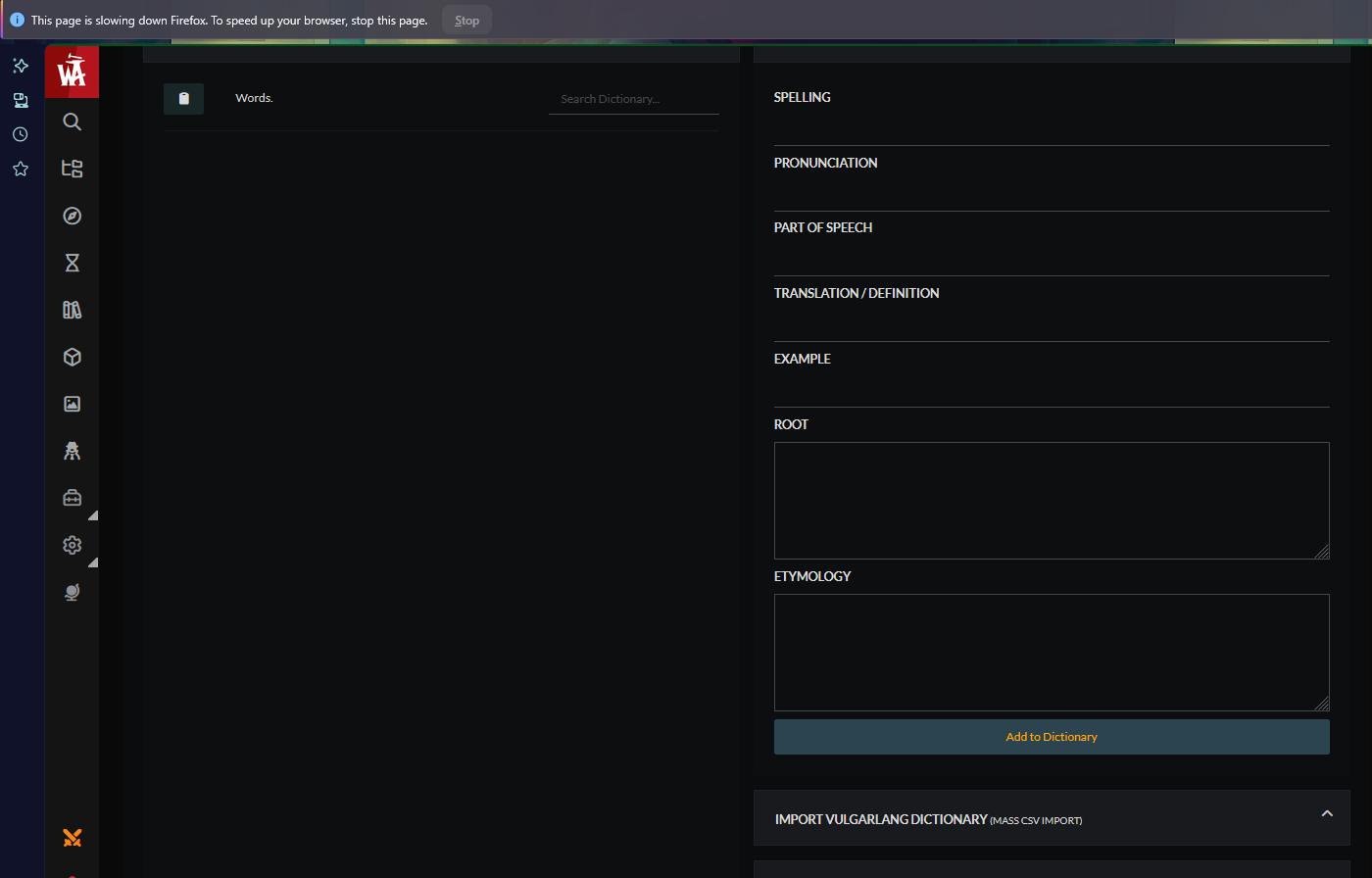
History
Hello BCGR_Wurth, thanks for reporting this bug. Just a few days ago, we released a new and improved Dictionary that is now accessible when clicking the dictionary icon in any language article without having to leave your article! Happy worldbuilding!
Find your way!
Resources
WHO WE ARE
LEGAL
Listen to our Podcast



